After reading up on some fantastic work in the field of Genetic Algorithms by
Karl Sims I thought I'd give implementing his ideas in flash a go.
First and foremost, click the image below to run the application, left click to select the strongest genotype, control click to randomly mutate an image, and shift click to save an image you like...
There were three specific challenges that had to be tackled when working with evolving images. Firstly how to convert DNA into an image, secondly how to cross breed sets of DNA and thirdly how to mutate DNA effectively.
Each gene on a set of DNA is stored as a reference to a function (in this case a Pixelbender shader) and a seed integer. There are 3 types of gene, generators, combiners and affectors. Generators create an image from a blank canvas, affectors transform an image in some way while combiners merge a generated image with another image. Currently there are 5 combine functions, 10 generators and 14 affectors in total, so a choice of 29 genes each with some set of parameters based on a seed value.
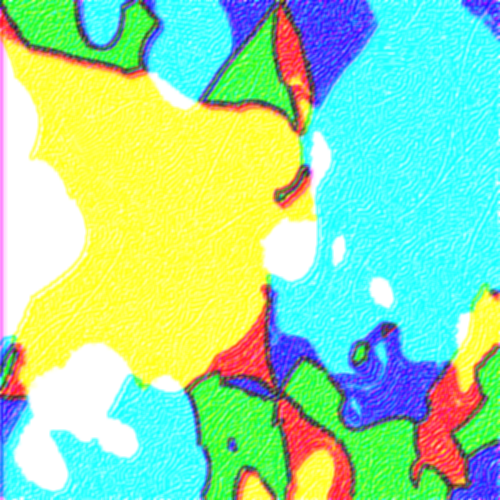
In order to generate an image from a set of DNA then, the phenotype of a gene is calculated by applying that gene's function in order. The range of images that can be produced from such an image is impressive to say the least. Here are some examples:
To breed an image two sets of DNA are compared to each other, there is simply a 50% chance of the new DNA choosing a gene from one set and a 50% chance of choosing that gene from the other set.
Mutations work in a similar way, all genes have the potential to mutate with some probability, if they mutate quite marked changes in the phenotype can be seen. Here is an example of a set of images from the same genotype with minor mutations:


Anyway have a play around and let me know if you manage to evolve any cool images!
Update: here is a typical evolution route: