After writing a really simple ray tracer to render the Mandelbulb in my
last post, I thought I'd write a slightly more advanced one, with more accurate shadows, reflections and all things nice ray tracers have.
I started just getting the raytracer to draw some spheres, but the results weren't very pretty. I added some shadows and some distance based lighting and they began to get a bit better.
Anyway here are the first screenshots. Once I'm at a stage where I'm happy with everything and know that I understand it I'll write a tutorial covering the fundamentals.
First image rendered with shadows - no distance lighting but shadows work
Another similar example
Trying to get distance decay of lighting intensity but using the wrong vector. This causes brightness where there are more spheres for some weird reason!
Fixed it - Shadows look good and added a load more spheres!
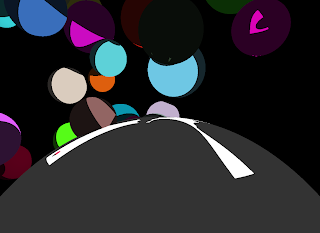
I'm starting to like this!
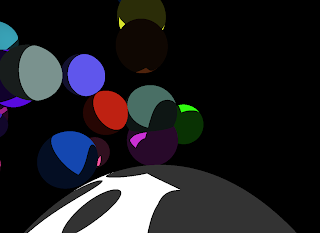
So the next step for this is reflection. This just involves firing another ray when a collision is found and checking for collisions. For those who are interested the resolution is 1100x800 pixels, and the images render in about 5 seconds. Not too bad at all!
Stay tuned for updates.
Update: Just a thought, I think altering brightness depending on the direction of the normal of a plane to the light source would increase realism, also create effects like specularity, I don't know but I'll give it a go and post some screens of it!
Update: Here are a few shots of directional lighting in action! I have to say for such a minor change the realism massively increases. Instead of clear shadow lines, they are all a lot more diffuse! Lovely.
A day time shot:
And at night time - with no global illumination:
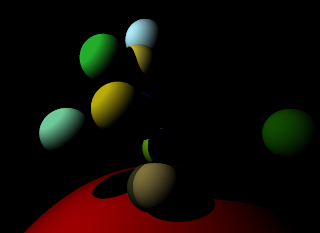
Update: Just rewrote almost everything, should make it easier to add new features though. Its looking good, nearly got reflections working, then I'll add some other objects (probably boxes and planes).


